On-device transcript generation
Set up local AI transcription models so transcripts are generated on device instead of being sent to an external service.
Generate on-device transcripts with local AI models, language controls, transcript notes, and editable overlays for tutorials, walkthroughs, and training videos.
Download for FreeSet up local AI transcription models so transcripts are generated on device instead of being sent to an external service.
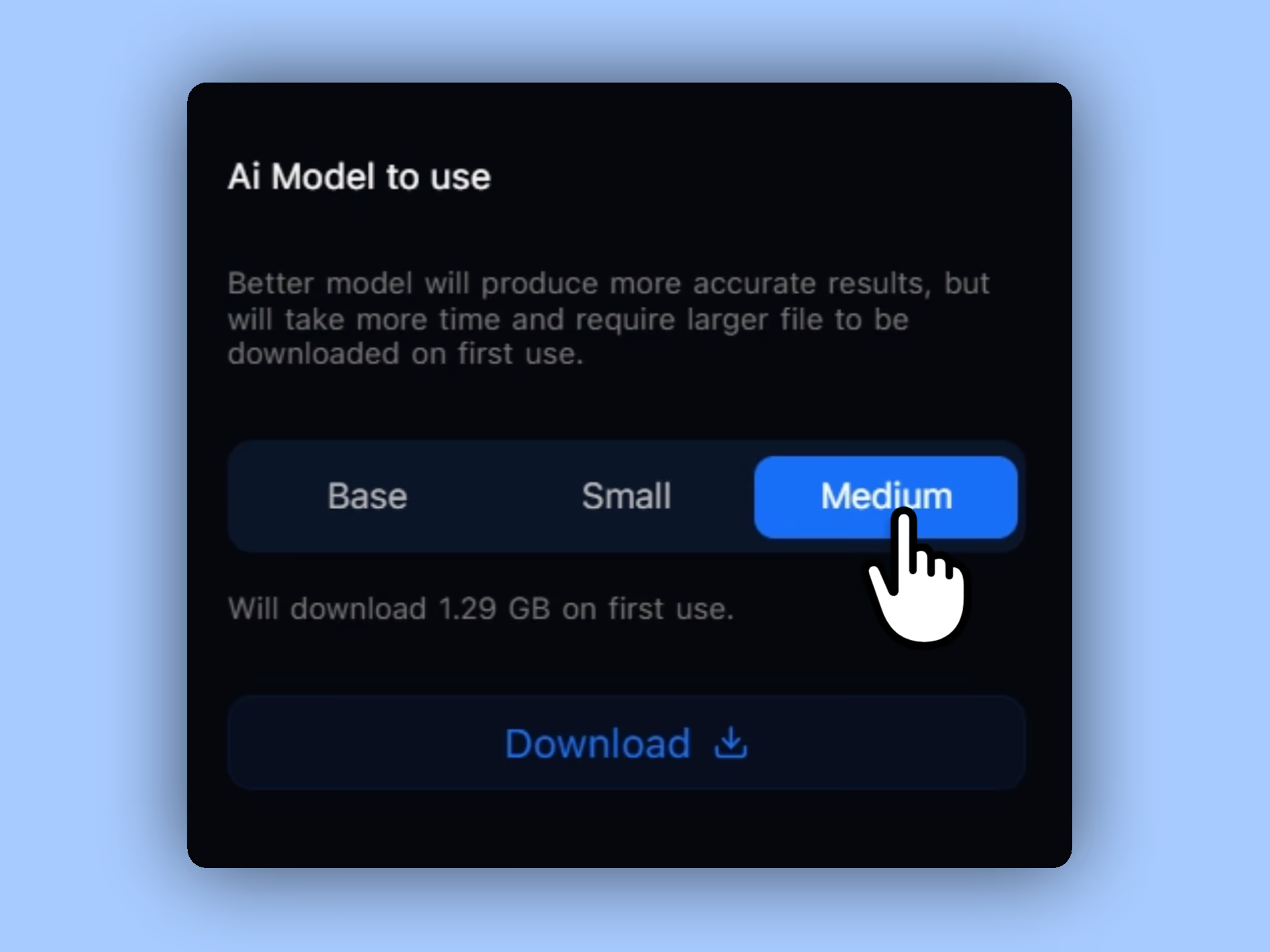
Choose a model based on speed, accuracy, and download size, then use auto language detection or select a specific language yourself.
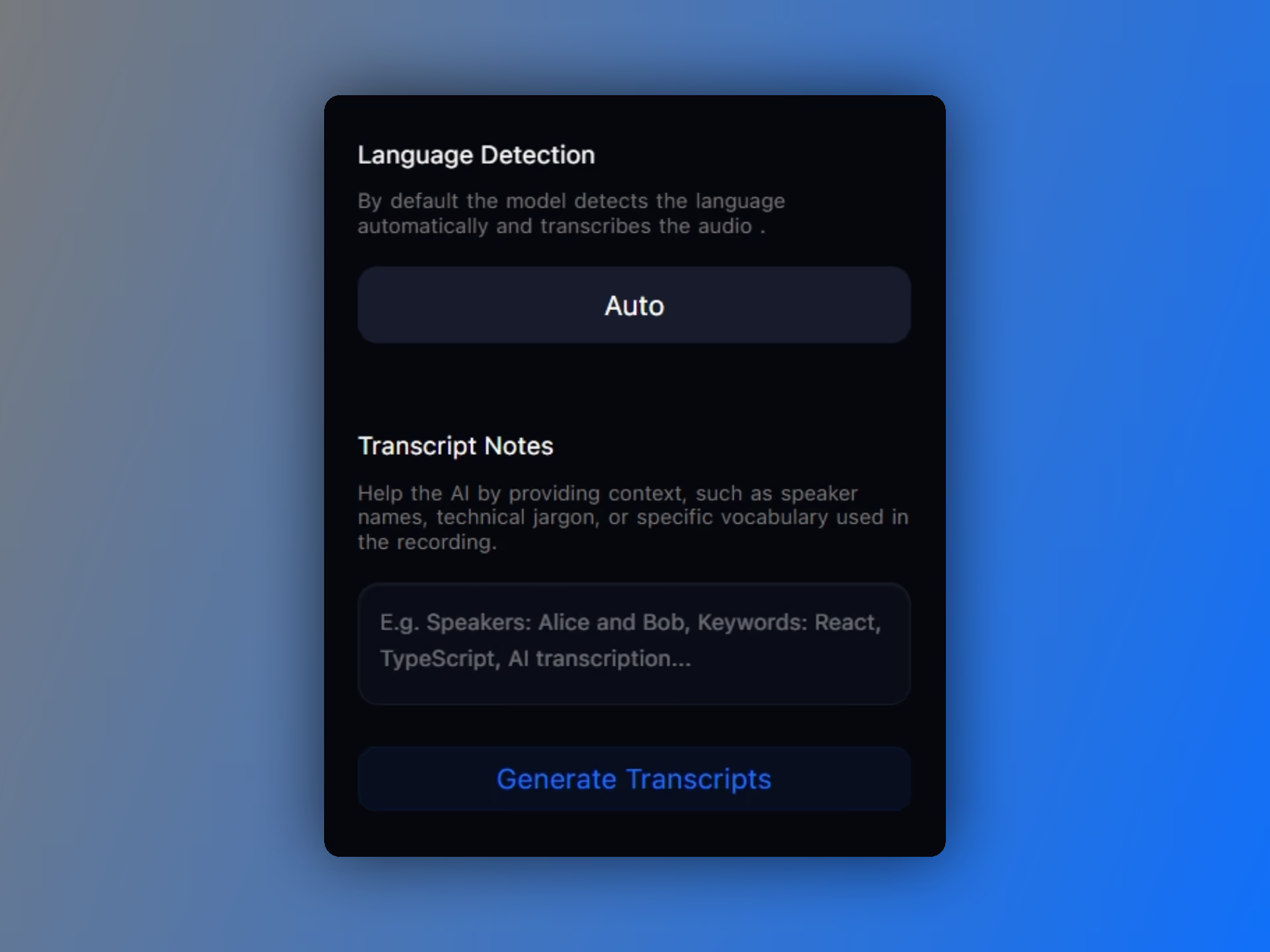
Add transcript notes for names, keywords, technical terms, or project-specific vocabulary before generation begins.
Control whether transcript overlays appear in the final video and adjust the overlay size directly from the editor.
Pane Studio treats transcription as its own workflow. You can choose a local model, pick a language or automatic detection, and add notes for speaker names, product terms, or words that should not be misheard.
After recording, Pane Studio can generate a transcript from the microphone audio while showing job progress. That makes it easier to prepare captions and text overlays without leaving the editor workflow.
Pane Studio lets you show or hide transcript overlays in the final video and adjust the transcript size directly in the editor, which is helpful for tutorials, training videos, and product walkthroughs.
Download Pane Studio - the native Windows screen recorder for creators, educators, and product teams.