
What's new in Pane Studio?
0.8.0
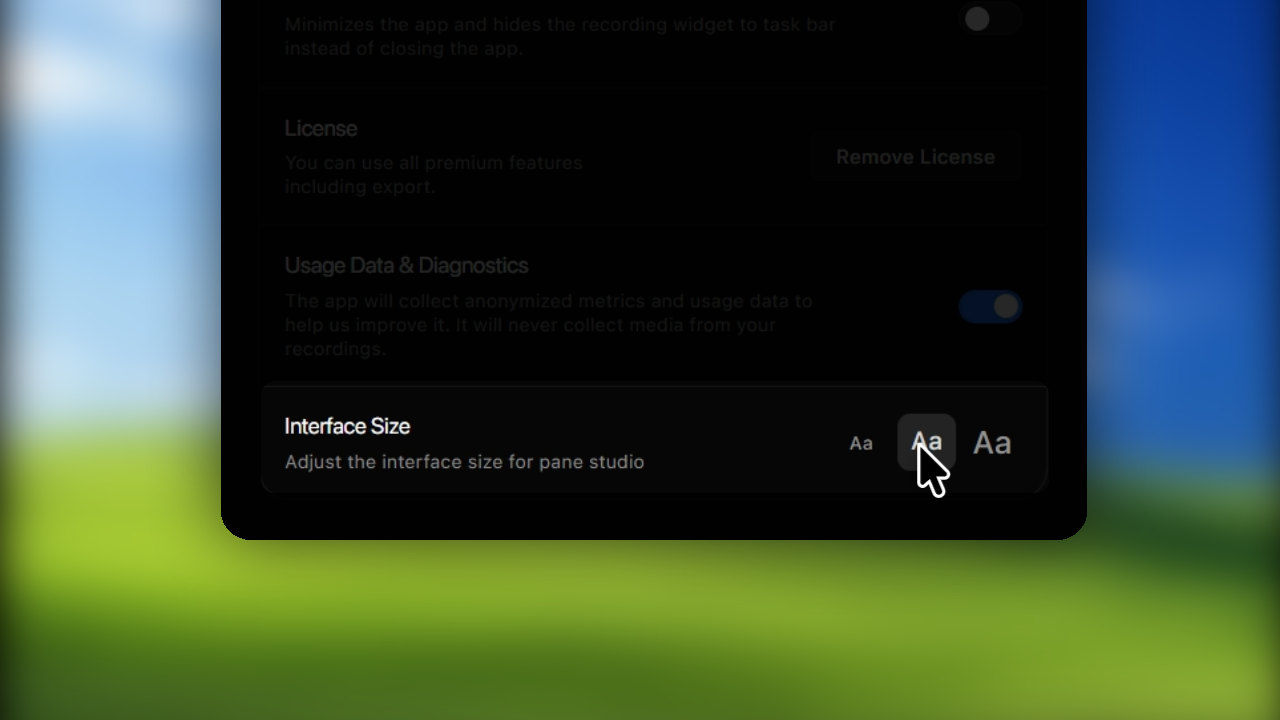
Tuesday, August 18, 2026A more comfortable interface at every size
Features
- Choose between 100%, 120%, and 140% interface sizes throughout Pane Studio.
- Improved recording accuracy across projects and exports.
Fixes
- Improved project timing reliability.
- Variable-frame-rate recordings now export more consistently.
Improvements
- Better window placement at every interface size.
- More consistent zoom, layout, and mask effects.
0.7.9
Sunday, August 16, 2026Smoother cursor changes and a better Quick Export
Features
- Cursor changes look smoother in recordings.
- Quick Export now has clearer controls and more reliable progress.
- The crop editor now adapts more naturally to different window sizes.
Fixes
- Export filenames now work more reliably on Windows.
- Opening Pane Studio again now returns you to your existing session.
Improvements
- More consistent wallpaper framing in previews and exports.
- Cleaner background and sidebar controls.
0.7.8
Monday, August 10, 2026Improvements
- More precise timeline previews and seeking.
- Smoother navigation across long timelines.
- More reliable aspect ratio selection in the recording picker.
0.7.7
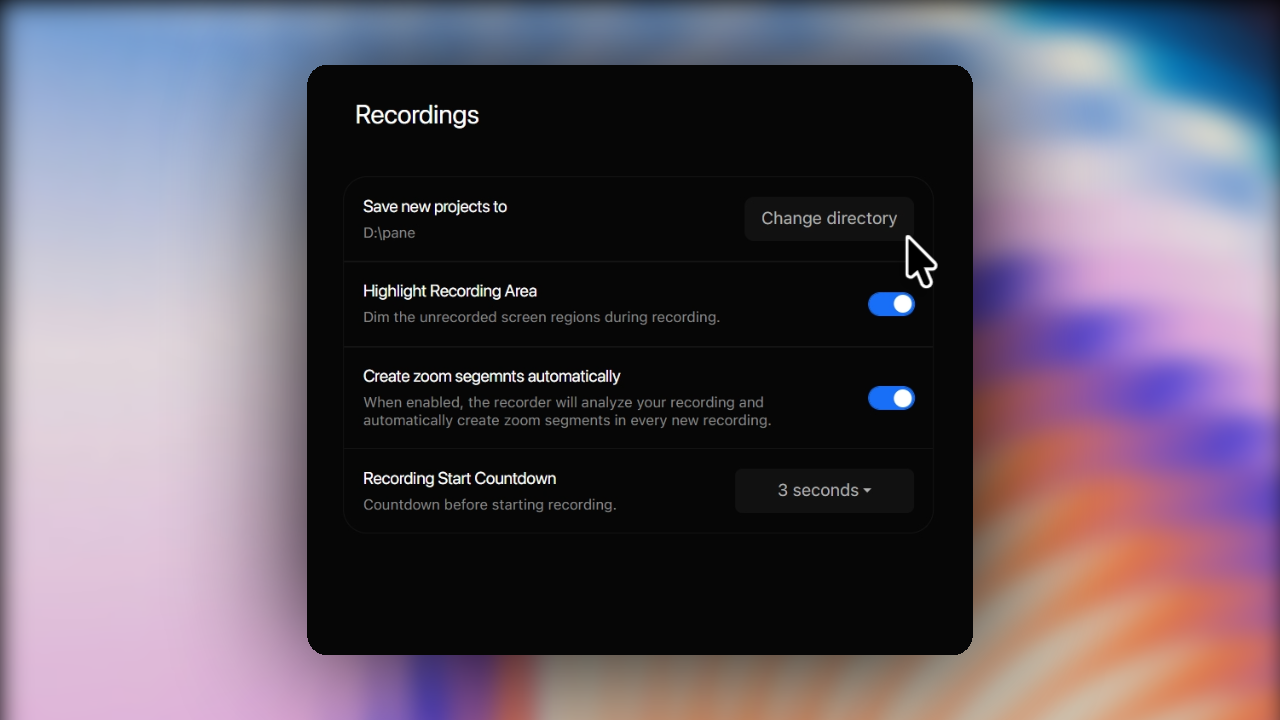
Friday, August 7, 2026Choose where your projects live
Features
- Choose the folder used for new Pane Studio projects.
- Browse projects from multiple locations in Project Explorer.
- Move existing projects when changing storage locations.
Fixes
- Unavailable project folders no longer interrupt browsing.
- Improved autosave reliability.
Improvements
- Safer project moves between folders.
- Improved export compatibility and reliability.
0.7.6
Thursday, July 30, 2026Fixes
- Project Explorer now updates correctly after projects are closed or deleted.
- Improved export reliability.
- Fixed motion blur artifacts near video boundaries.
Improvements
- Smoother Project Explorer refreshes.
- Better handling for cancelled and unsuccessful exports.
0.7.5
Tuesday, July 28, 2026A redesigned recording picker for multi-display setups
Features
- Select screens, windows, and custom areas across connected displays.
- Improved support for mixed display scaling and monitor arrangements.
- Recording modes, shortcuts, and settings stay in sync with the picker.
- Zoom motion now feels smoother and keeps the focus clear.
Fixes
- Fixed a white flash when opening recording overlays.
- Reduced edge artifacts during pans and zooms.
Improvements
- Closer visual consistency between previews and exports.
- Smoother timeline previews and zoom transitions.
0.7.4
Sunday, June 28, 2026Improvements
- Large recordings now use less memory during export.
- Improved export stability, security, and reliability.
0.7.3
Sunday, June 21, 2026Fixes
- Masks and zooms now stay in sync more reliably on the timeline.
- Improved mask scaling and resizing.
- Clearer export error reporting.
Improvements
- Improved diagnostics and privacy safeguards.
0.7.2
Friday, June 19, 2026A faster, more focused editor
Features
- A reorganized editor header with clearer controls.
- Improved playback and timeline zoom controls.
- Focused editing panels that are easier to navigate.
- More precise background image positioning.
- A new About section in Settings.
Fixes
- Improved recording reliability across capture sources.
- Fixed an issue that could affect recording information.
- Masks, layouts, zooms, and timeline controls stay in sync more consistently.
Improvements
- Better preview responsiveness and editor performance.
0.7.1
Thursday, May 21, 2026Clearer export options for every plan
Features
- Free projects can be exported at up to 1280 resolution and 30 FPS.
- View upgrade options without leaving the export flow.
- Clearer export options for each license.
Fixes
- Pricing and upgrade information now loads more reliably.
- Improved export eligibility checks.
Improvements
- A cleaner and more consistent recording and export experience.
0.7.0
Wednesday, May 20, 2026Features
- On-device transcript generation.
- Audio enhancement with noise removal and voice enhancement.
- Window scale controls in the editor for a better editing experience.
Improvements
- Smoother editing workflow when working with detailed recordings and tighter layouts.
0.5.0
Sunday, April 27, 2026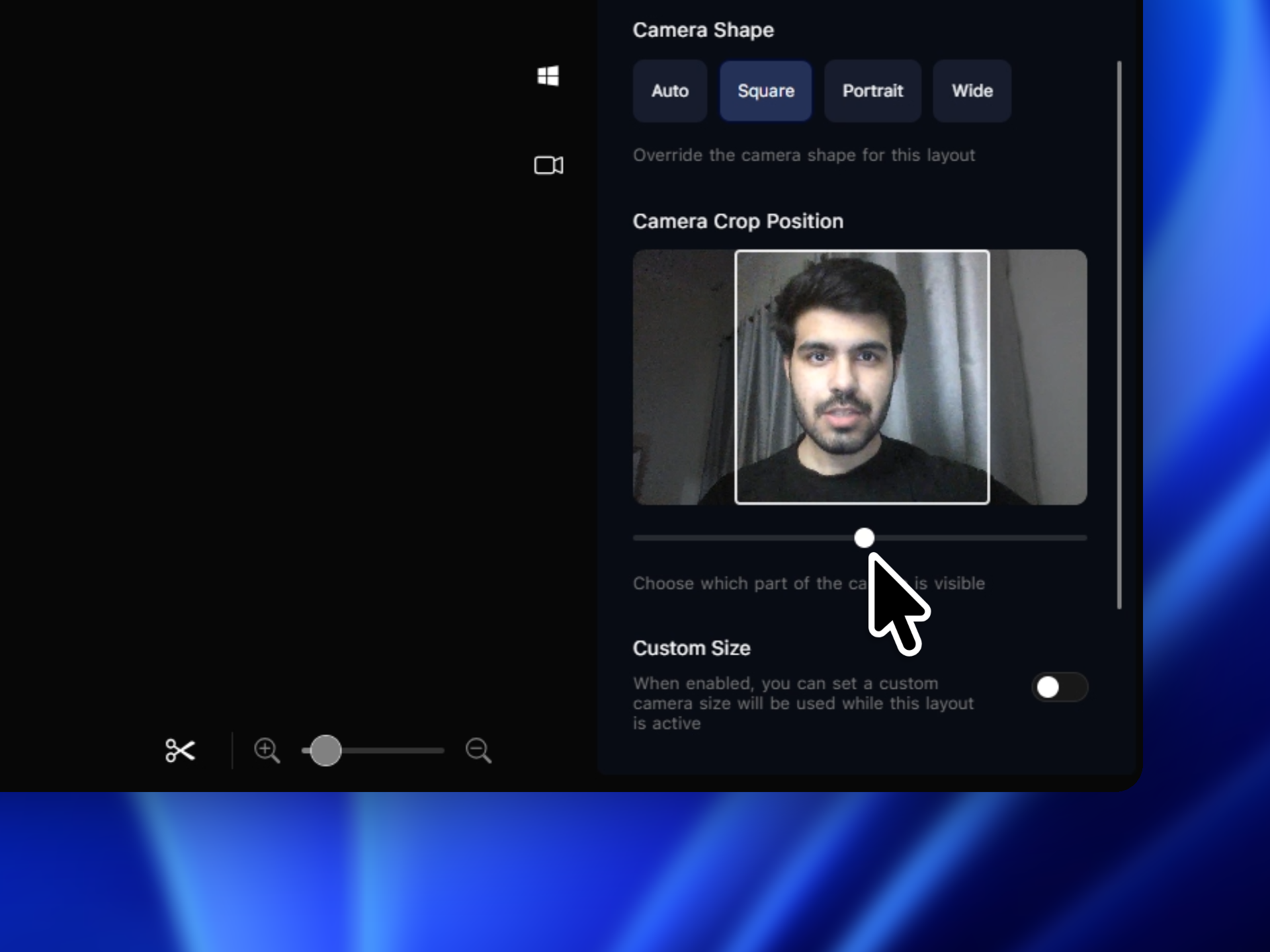
Features
- Crop frame for camera feed.
- Advanced camera layouts with options for shapes.
- Squircle shape for camera.
Fixes
- Incorrect shortcuts timeline placement fixed.
0.4.0
Tuesday, April 21, 2026Features
- Shortcuts recording.
- Dedicated timeline for shortcuts with options for which keystrokes should be visible.
- Option for changing cursor label size.
Fixes
- Improved performance.
- Cursor artifacts fixed.
Improvements
- High fps recording supported on all intel chips with igpus, thanks to new hardware acceleration architechture.
0.3.0
Saturday, April 18, 2026Features
- Added motion blur effect for video and cursor.
- Added additional editing options for chaning screen movement during auto zooming.
Fixes
- Fixed radius issue in highlight mask.
- Jittery cursor movements fixed.
0.2.0
Friday, april 10, 2026Masking sensitive data
Features
- Added masking tool for sensitive information
- Added highlight mask feature for emphasis
0.0.9
Tuesday, October 7, 2025Dynamic Camera Layouts
Features
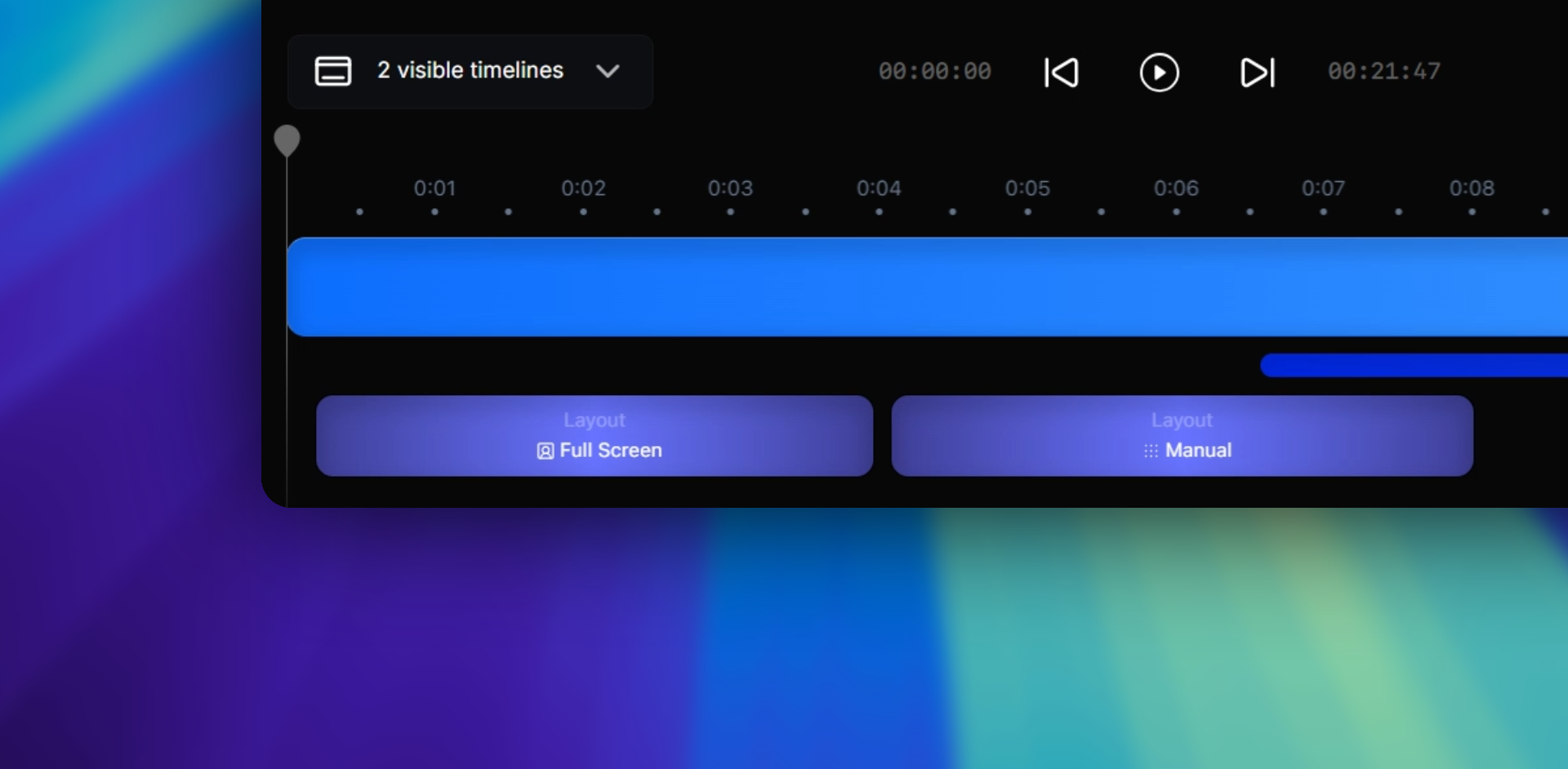
- Added dynamic camera layouts for video recording