Playback speed per slice
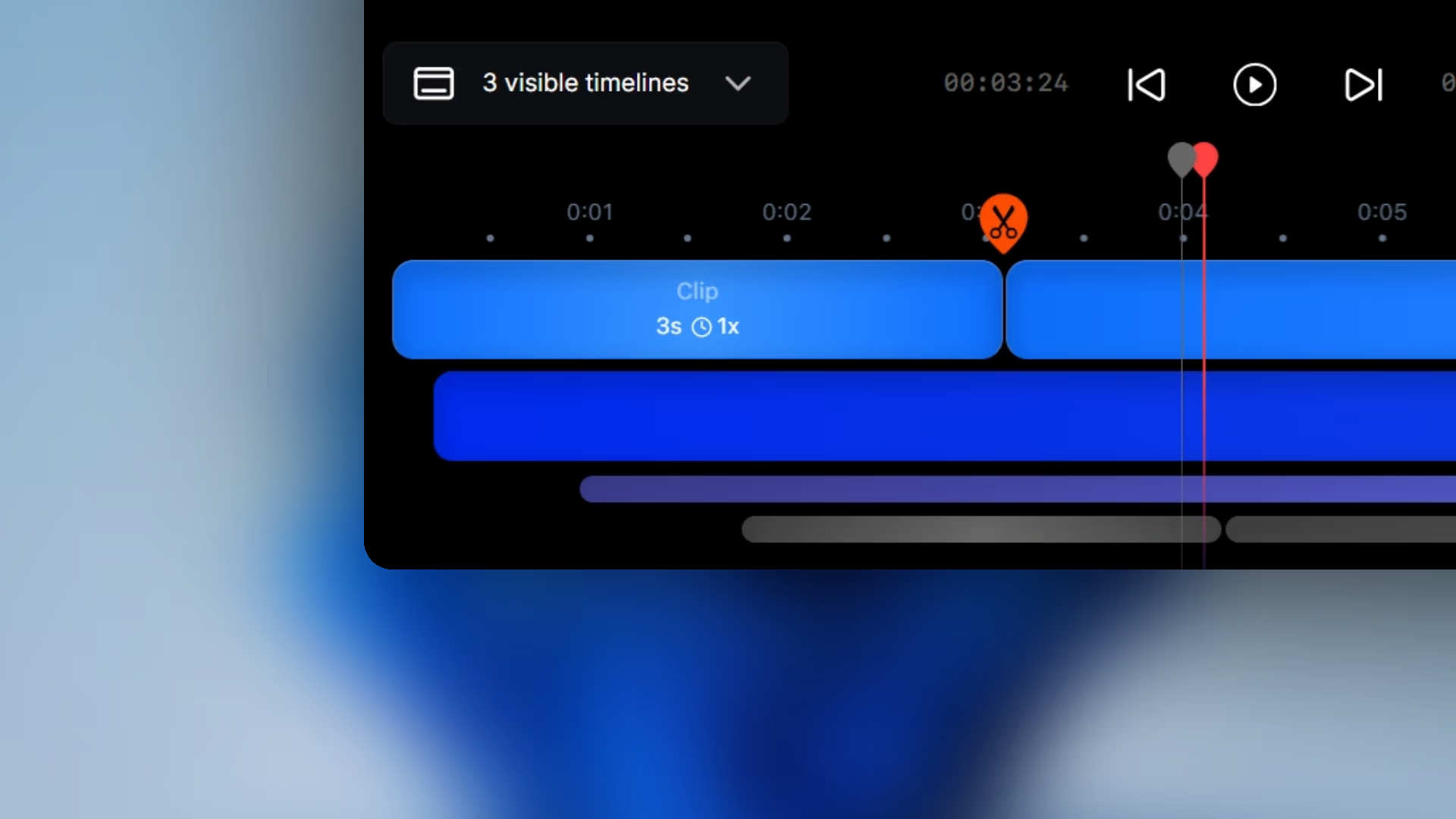
Change speed with presets from 1x up to 16x so slow setup moments can move faster without changing the whole video.
Clean up recordings slice by slice with speed changes, cursor adjustments, and timeline cleanup that only affect the section you are fixing.
Download for FreeChange speed with presets from 1x up to 16x so slow setup moments can move faster without changing the whole video.
Remove the cursor only where it becomes distracting instead of hiding it across the full recording.
Turn off smooth cursor movement on a specific slice when direct jumps feel clearer for that part of the workflow.
Cut repeated sections, setup mistakes, or dead time from the sequence so the final recording stays tighter.
Pane Studio lets you speed up, trim, or remove slices individually so you can clean up pauses, repetitive setup, or slower moments without rebuilding the entire edit.
Some parts of a recording need the cursor hidden, while others need direct movement instead of smoothing. Pane Studio lets you make those decisions slice by slice instead of forcing one cursor rule across the whole video.
Clip-by-clip adjustments are useful when most of the recording is already good and only a few sections need cleanup. That keeps the edit lighter and faster than reworking the entire timeline.
Download Pane Studio - the native Windows screen recorder for creators, educators, and product teams.