Dynamic layouts
Switch between layouts on the fly. Side-by-side, picture-in-picture, full screen and more.
Edit tutorials, product demos, and course videos with our fast and lightweight editor.
Try the editorSwitch between layouts on the fly. Side-by-side, picture-in-picture, full screen and more.
Motion blur adds subtle cinematic smoothness to cursor movement, zooms and screen transitions
Fine-tune every slice individually. Adjust speed, cursor behavior, zooms and layouts exactly where needed.
Automatically surface keyboard shortcuts during recordings for clearer tutorials.
Pane automatically adds smooth zoom effects to highlight important clicks.
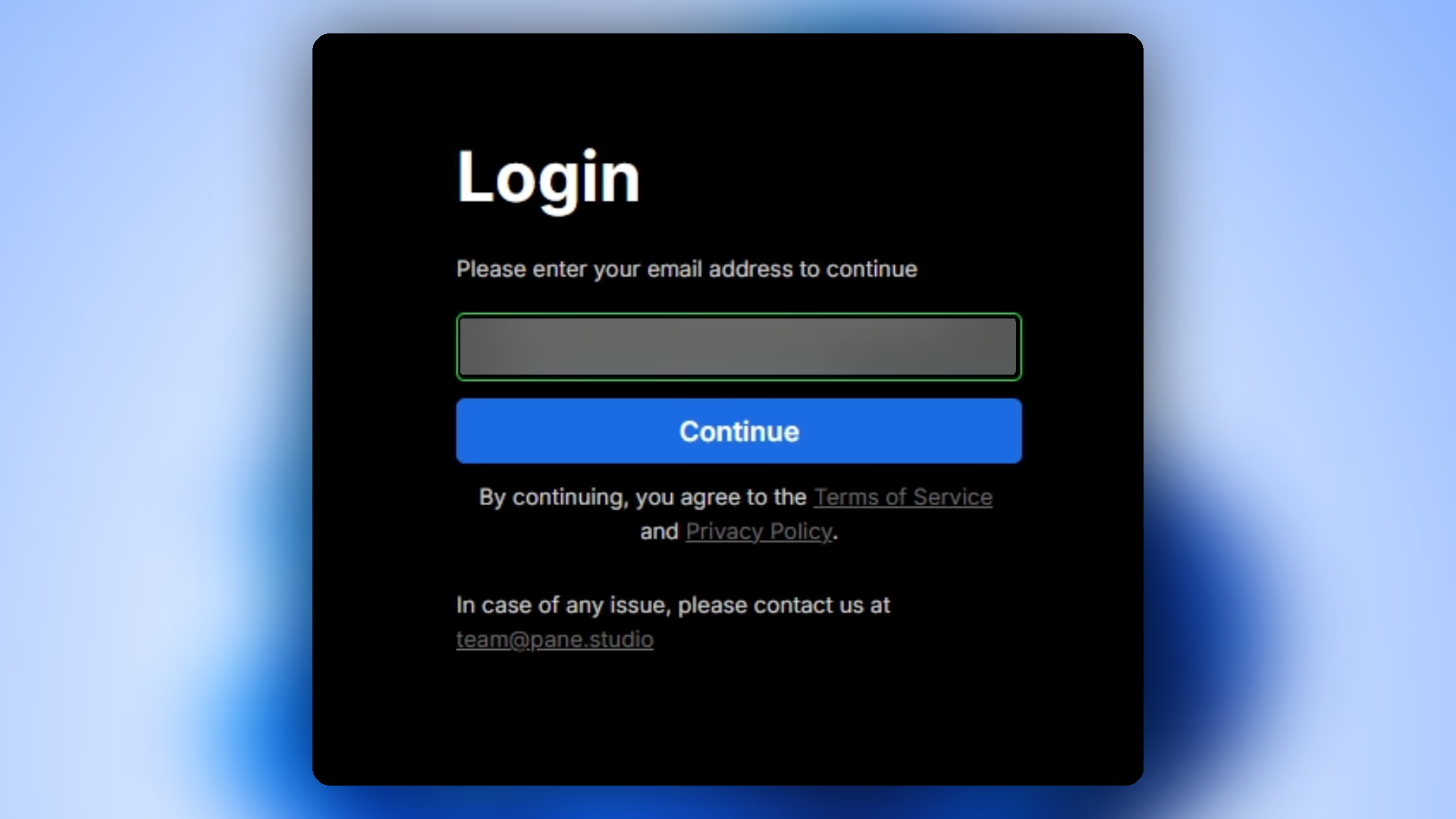
Blur passwords, emails, or anything sensitive with a click.
If you've never edited a video before, Pane's editor stays approachable and easy to understand.
Experienced editors still get powerful tools, while the UI stays extremely modern, minimal, and beginner friendly.
Preview edits in HD with an extremely fast, responsive UI built for real-time playback without bloat or slowdowns.
Speed up polishing with auto zoom suggestions, AI-powered audio enhancements, and smart editing assists.
Download Pane Studio - the native Windows screen recorder for creators, educators, and product teams.