Choose the right recording area
Start with one focused workflow and capture only the screen, app window, or browser tab that matters so the demo feels clear from the first second.
Product demos for Windows
A Windows screen recorder for product demo videos with auto zoom, smooth cursor motion, and fast editing that helps every walkthrough feel clear, polished, and ready to share.
A product demo video shows how a product works through a real workflow on screen, with enough clarity and pacing for the viewer to understand the value quickly.
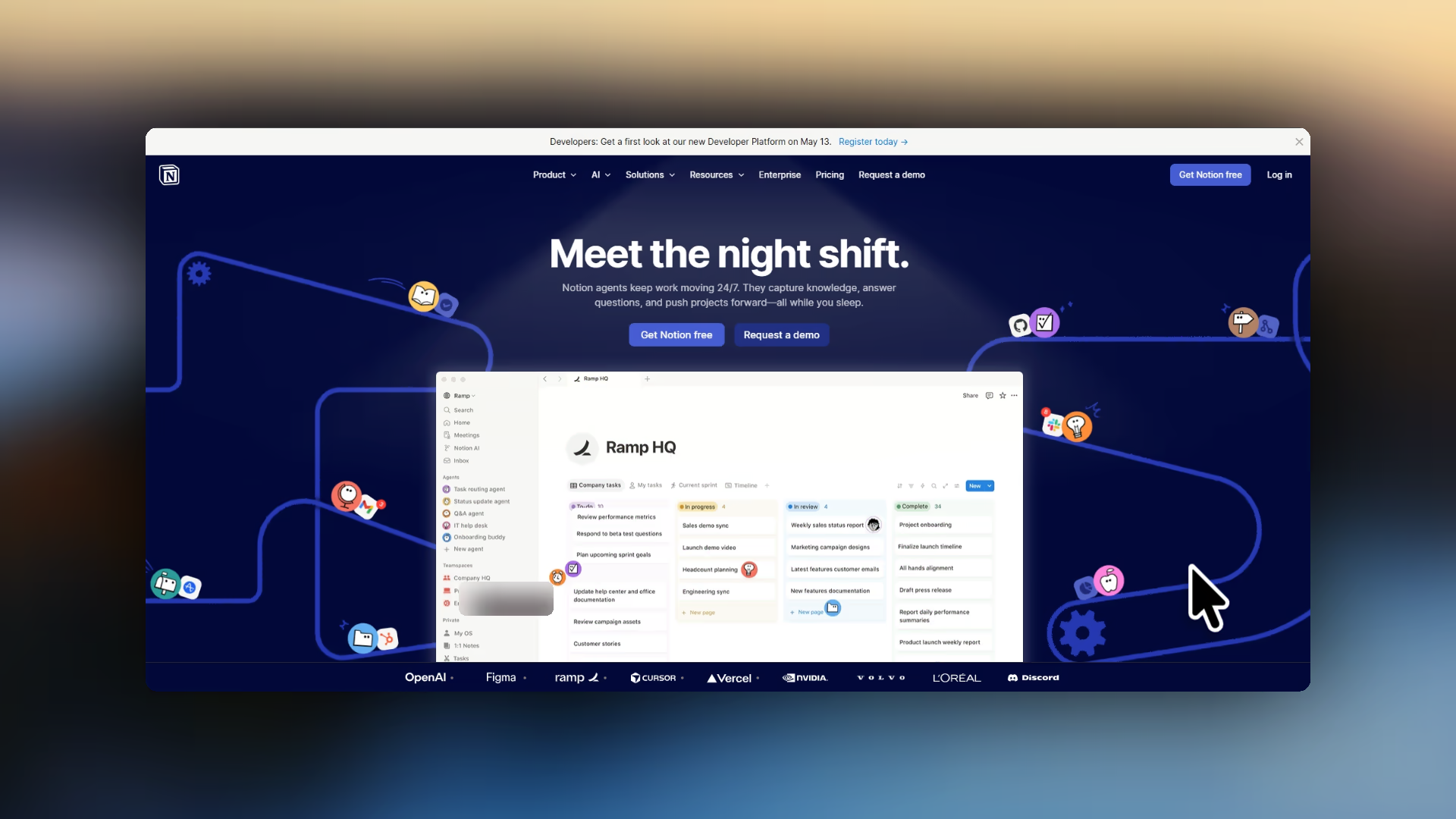
Start with one real workflow, keep the recording focused, and shape the edit so every click earns its place.
Start with one focused workflow and capture only the screen, app window, or browser tab that matters so the demo feels clear from the first second.
Show the real clicks, forms, and feature moments people care about instead of explaining the product with slides or filler footage.
Highlight the important click, feature, or transition without hand-animating every moment, so viewers always know where to look.
Clean up cursor movement, trim the rough parts, and export wide, square, or vertical cuts for landing pages, launches, sales follow-up, and onboarding.
The goal is not just to capture your app. A strong product demo feels deliberate: it shows the interface clearly, removes hesitation and dead space, and moves from problem to payoff without wandering.
Because Pane Studio is built for Windows, you can record local apps and browser-based tools cleanly, then turn that footage into a polished product walkthrough instead of leaving it as raw screen capture.
Show what a feature does, why it matters, and what the result looks like without losing the viewer in a crowded interface.

If you also need the presenter to share the frame with the product, the custom screen recording layouts page goes deeper on picture-in-picture, side-by-side, and screen-first compositions for explanation-heavy demos.
Turn one polished recording into launch content, tutorial clips, and onboarding demos without rebuilding it from scratch.
One clear demo can travel a long way. The same recording can become a homepage embed, a sales follow-up clip, a launch asset, or a quick onboarding walkthrough when the edit is tight and the export fits the channel.
When a demo is part of your launch, sales, or onboarding flow, recording quality and editing flexibility matter as much as the script.
Capture quality
Browser-based recorders are convenient for quick sharing, but a native Windows recorder gives you more room to capture the real workflow cleanly and shape it into a finished demo when quality matters.
Polish after the take
Pane Studio is built for that polished demo workflow: record the product, guide attention with auto zoom, smooth the cursor, and export for the final channel without turning the process into a heavy editing project.
Yes. Pane Studio is built for recording polished product demos on Windows with auto zoom, clean cursor motion, and a fast built-in editor. It works well for launches, walkthroughs, onboarding videos, and sales demos.
A product demo video is a short screen-based video that shows how a product works, what problem it solves, and how someone completes an important workflow. For software products, that usually means clear screen recording, focused zoom, smooth cursor motion, and simple editing.
A strong product demo keeps the screen focused, clearly shows what matters, and moves at the right pace. Pane Studio helps by combining zoom, framing, cursor polish, and quick editing in one workflow.
Yes. Pane Studio can automatically zoom into important moments so viewers know where to look. You can also adjust the framing after recording if you want more control.
Yes. Pane Studio works well for SaaS product demos, software walkthroughs, app onboarding videos, and feature launches where the product interface needs to stay clear.
Yes. You can record a browser tab, a single app window, or your full screen depending on how much of the workflow you need to show.
Yes. The same product demo can be reused for sales walkthroughs, launch clips, onboarding content, and support videos when you export it in the right format.
Yes. You can export product demos in wide, square, or vertical aspect ratios depending on where the video will be published. That makes it easier to reuse the same recording across landing pages, social posts, sales follow-up, and onboarding flows.
A basic screen recorder can capture your product, but Pane Studio is designed to help that recording feel finished. Auto zoom, smooth cursor motion, fast edits, and flexible exports make it easier to turn a raw capture into a polished software demo video.
Download Pane Studio - the native Windows screen recorder for creators, educators, and product teams.