Microphone and system audio together
Capture narration and computer audio in the same session so tutorials, product demos, and walkthroughs do not need separate audio workarounds.
Capture microphone and system audio together, rebalance audio per slice, and improve voice quality with local AI enhancement and noise removal.
Download for FreeCapture narration and computer audio in the same session so tutorials, product demos, and walkthroughs do not need separate audio workarounds.
Adjust microphone and system audio volume per slice so one noisy section does not force you to rebalance the whole recording.
Improve vocal clarity and remove background noise with local AI processing that stays inside the Pane Studio workflow.
Toggle between the original microphone track and the enhanced microphone track after processing is complete.
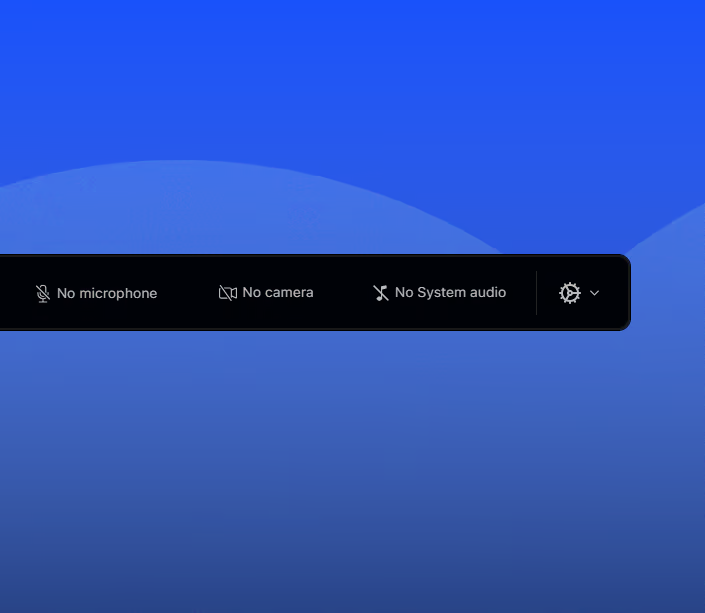
Pane Studio can capture system audio from the computer alongside microphone narration, which is useful for tutorials, app walkthroughs, support recordings, and product demos where the product itself also makes sound.
Use audio enhancement to reduce background noise and improve vocal clarity, then compare the original microphone track with the enhanced version. This helps recordings sound cleaner without sending audio to a separate editor.
Mute microphone or system audio when needed and adjust volume per slice instead of applying the same setting to the whole recording. That gives more control when one part of the video needs different audio balance.
Download Pane Studio - the native Windows screen recorder for creators, educators, and product teams.