Wallpaper and image backgrounds
Choose built-in Windows or macOS wallpapers, or upload your own background image behind the recording.
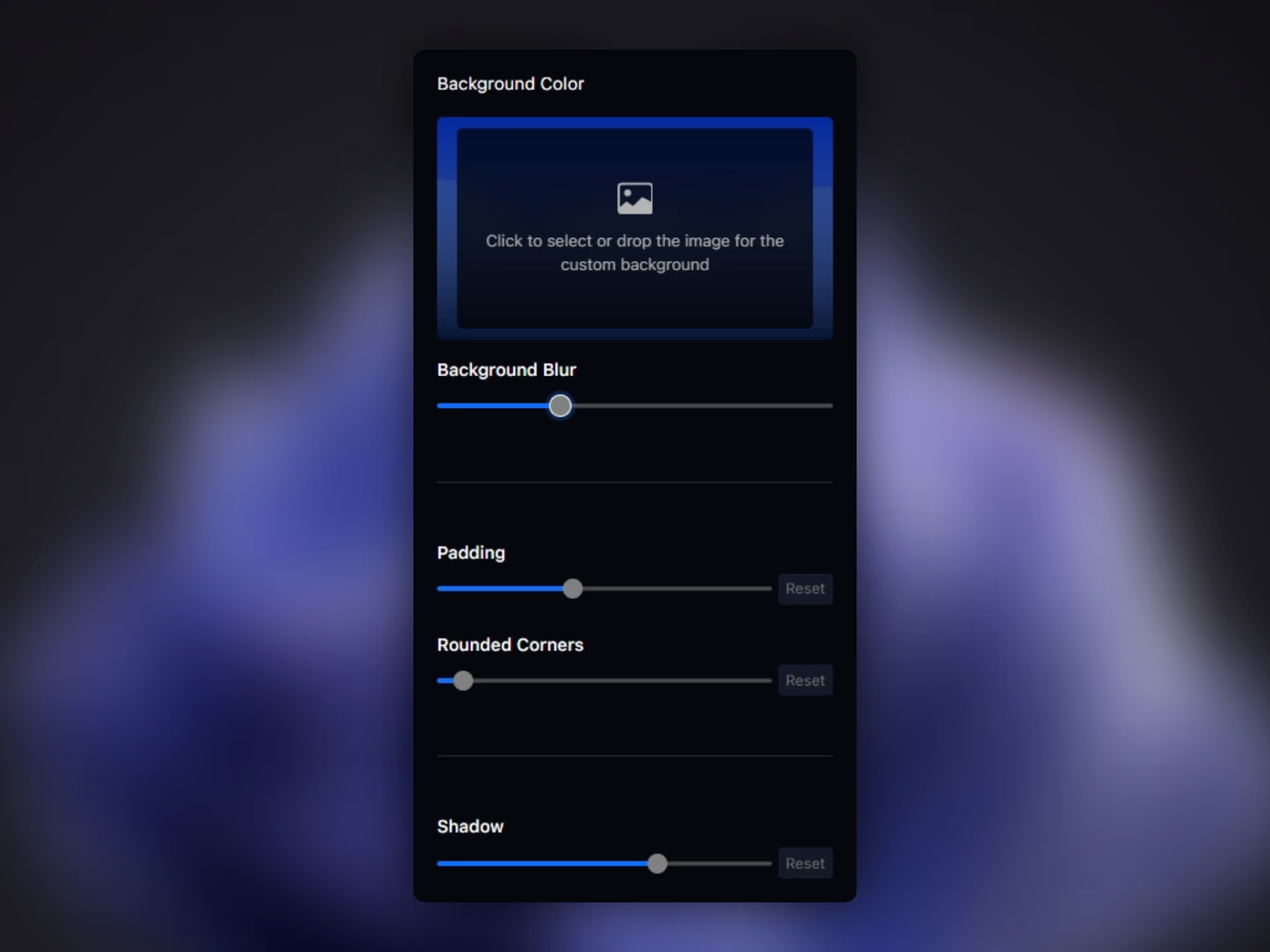
Choose wallpapers, gradients, solid colors, blur, padding, corners, and shadows to give screen recordings a cleaner and more polished frame.
Download for FreeChoose built-in Windows or macOS wallpapers, or upload your own background image behind the recording.
Build gradients with two editable color stops and angle control, or use a direct solid color background.
Add blur behind the recording and adjust padding so the frame feels calmer and more intentional.
Control rounded corners, shadow intensity, distance, angle, and blur for a more polished final frame.
Pane Studio gives you several ways to style the frame around a screen recording. You can use built-in wallpapers, upload a custom image, build a gradient, or set a solid color background depending on whether the video needs a product-marketing look, a course-style frame, or a cleaner social format.
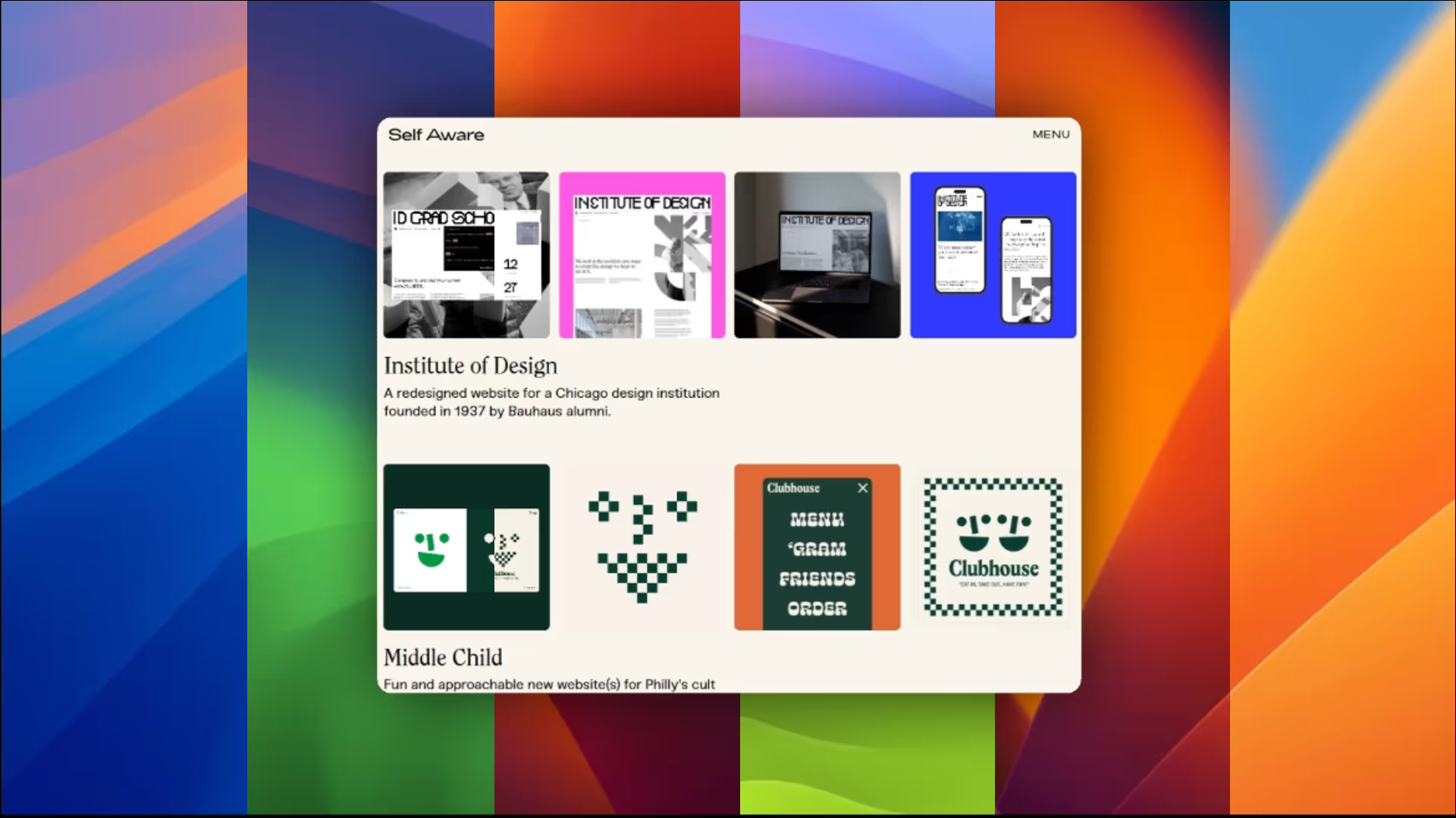
Pane Studio does not stop at picking a background. You can blur the background, increase or reduce padding, soften corners, and tune directional shadows so the screen recording feels more composed without taking the project into a heavy video editor.
Download Pane Studio - the native Windows screen recorder for creators, educators, and product teams.