Screen Recorder
For Students
Record presentations, assignments, and project demos, then turn them into polished videos without complicated editing software.
Get 40% Student Discount.png)
Record the work you need to submit
Use Pane Studio when an assignment is easier to show than describe.
Presentations and video assignments
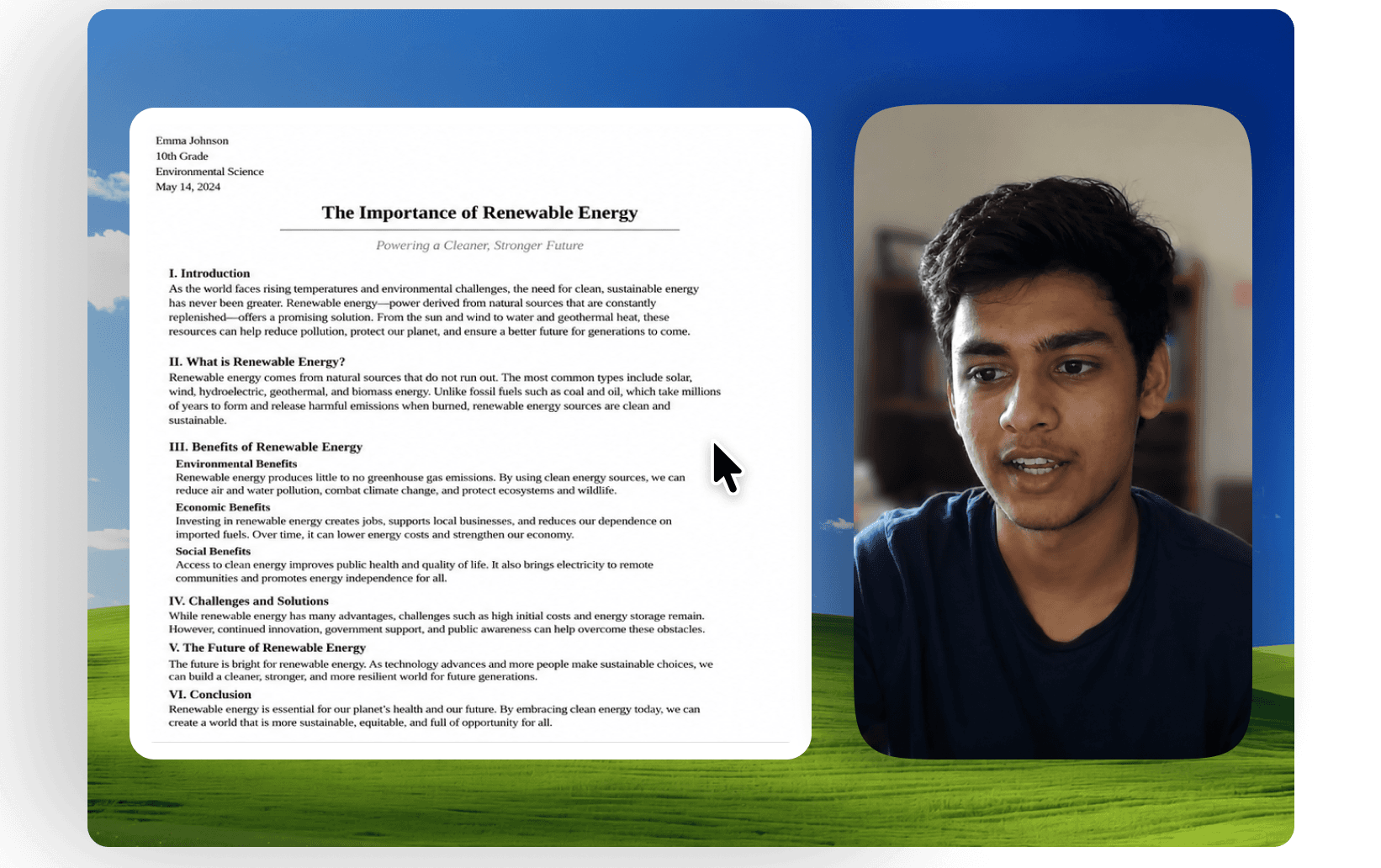
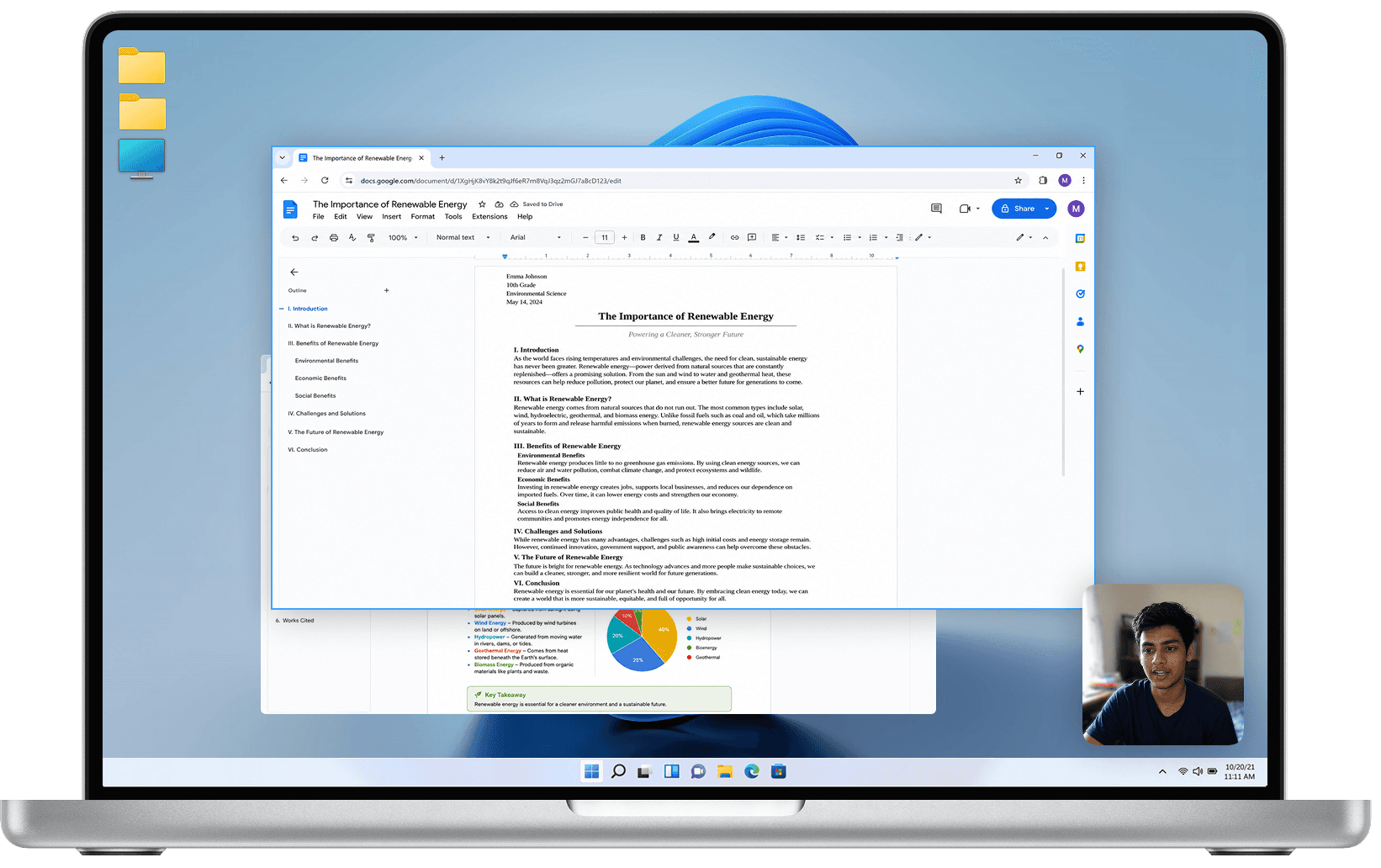
Record slides, your explanation, and an on-screen demonstration in the same video. Include your webcam when the assignment calls for a visible presenter.
Coding and software demos
Walk through a website, application, programming assignment, or final-year project while showing how it works.
Portfolio work and project updates
Explain your process, demonstrate completed work, or give teammates an update they can review on their own time.
Compare a raw and polished student screen recording
From recording to submission
1. Choose what to capture
Record the full screen or a selected area, then choose your webcam, microphone, and system-audio inputs. See all screen recorder features.
2. Explain your work
Move through your slides, browser, code, or application while Pane records the screen and selected inputs together.
3. Make focused edits
Remove mistakes, adjust clips, change layouts, or blur private information in the screen recording editor.
4. Review and export
Watch the finished recording, check that important text is readable, and export it when it is ready to submit or share.
Use the features your recording needs
For small text or detailed interfaces, use automatic zoom and cursor controls to direct attention.
For spoken assignments, review the microphone, system-audio, and noise-removal tools.
For presentations that include you, explore webcam controls and camera layouts.
These feature pages contain the full controls and examples, so you can check whether Pane supports what your assignment requires.
Your coursework stays on your computer
Pane Studio records and edits locally on Windows. Your recordings are not uploaded to a cloud recording service by default.
Read the privacy policy for details about how recorded media is handled.
40% educational discount
Eligible students receive 40% off a yearly subscription for 12 months. The educational discount does not apply to lifetime licenses.
You can verify with an eligible educational email address or request manual verification if you do not have one.
- Your recordings and edits stay on your device. Pane does not upload your recordings to a cloud service by default, keeping everything under your control.
- Your recordings and edits stay on your device. Pane does not upload your recordings to a cloud service by default, keeping everything under your control.
- Record on integrated graphics as old as 7th-generation Intel hardware, with hardware-accelerated exports supported across Intel, AMD, and NVIDIA GPUs.