
Getting started
Activating Pane Studio
To activate Pane Studio, start by opening the app, then go to the settings. Click Activate License. Once you click on this option, a license activation window will appear:
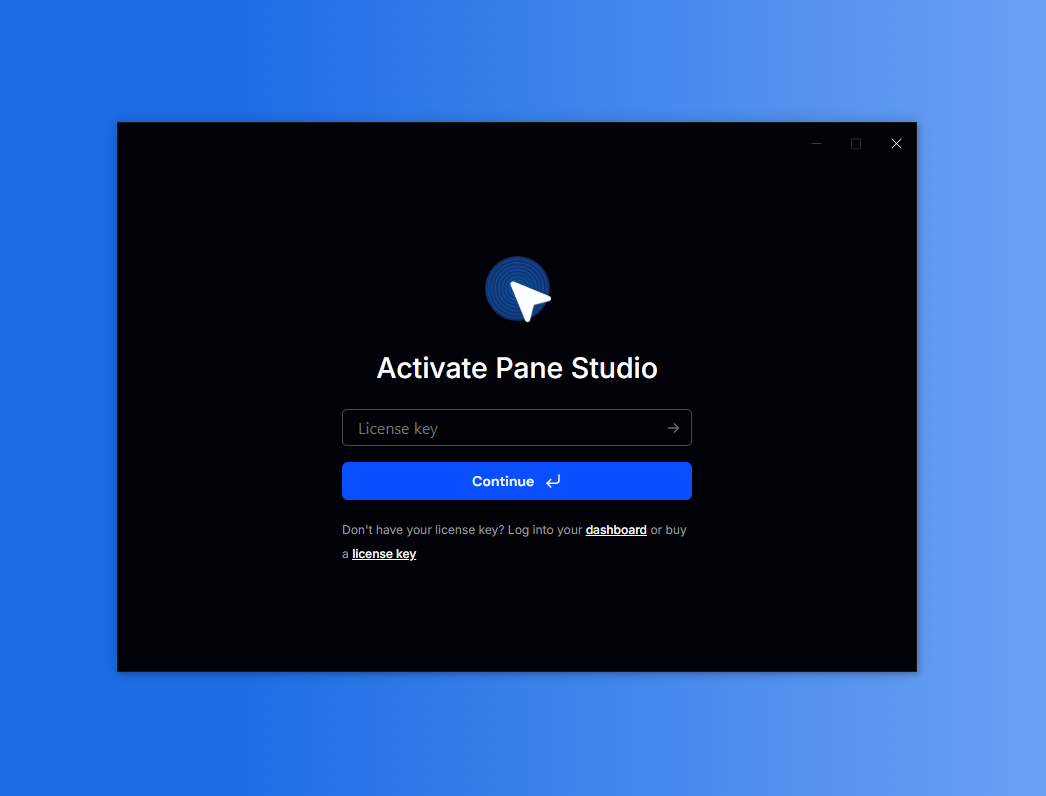
Enter your email address (The one associated with your account) to activate Pane Studio.
A code will be sent to that address. Check your inbox for the activation code and follow the instructions to complete the activation process.
Following these steps will ensure that you successfully activate Pane Studio and can start using its features for your projects.