Create Beautiful
Screen Recordings
Windows-native recorder for creators. With auto zoom, smooth cursor and cinematic effects.
Automatic Zoom on Clicks
Smooth cinematic zoom-ins triggered by your clicks. The auto-zoom screen recorder feature other tools copy, done right.
Explore Automatic ZoomCinematic Backgrounds
Gradient, image, or brand backgrounds. Every recording looks professional by default.
Explore BackgroundsMore than a screen recorder. A built-in video editor for Windows.
Pane Studio lets you trim, crop, speed up, and polish recordings instantly — with a built-in cinematic editor made for Windows.
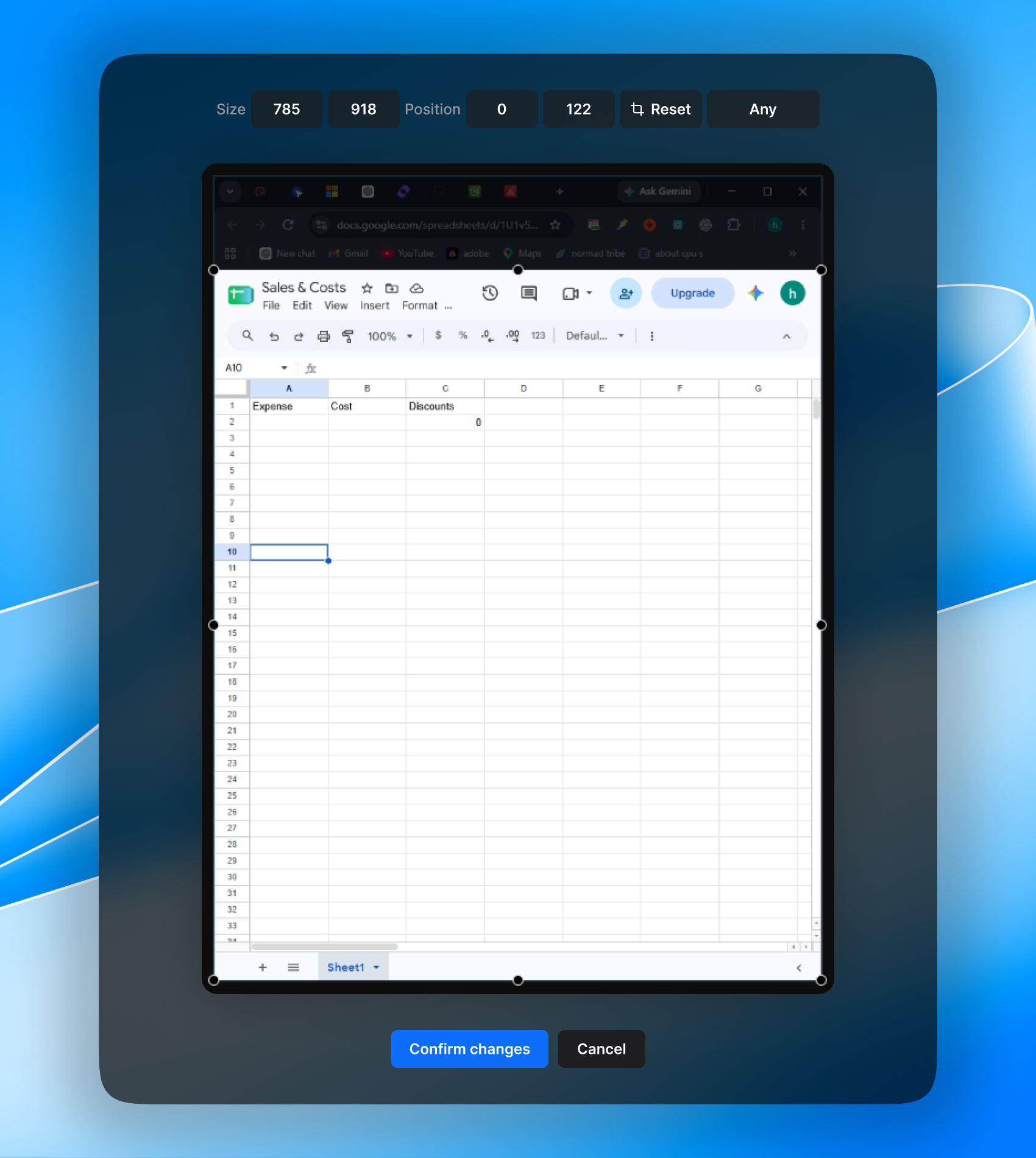
Crop & Reframe
Adjust the frame, crop distractions, and keep attention on what matters most. Fine-tune the aspect ratio and framing without re-recording.
Cut, Trim & Speed Up
Trim video fast, cut out pauses, and speed up slow sections so your final recording moves at the right pace.
Keyboard Shortcut Overlays
Capture the shortcuts you press automatically and show them on screen, so viewers can follow every step of your tutorial.
Transcripts on Your Device
Turn your microphone track into an editable transcript and show it on your video, all generated locally on your PC.
Choose exactly
what to record
Capture a full screen, a single window, or a focused area, with webcam, mic, and system audio ready when you need them.
One recording, every format
Turn one screen recording into landscape, square, or vertical video for YouTube, TikTok, Instagram, and more. Switch aspect ratios anytime, while layouts, zooms, and captions adjust automatically.
Reveal the important.
Conceal the rest
Hide sensitive information after recording, or hightlight what matters most.
Your cursor,
perfected.
Return the cursor to its starting position near the end of the clip, for seamless loops on Instagram Reels, TikTok, and landing pages.
When the cursor stops moving, it hides automatically, so nothing distracts from your tutorial or product demo.
Add circle and ripple effects to your clicks, so viewers never miss what you just pressed.
Make the cursor bigger or smaller after you've hit stop, with no need to record again.
Your camera, your screen, your layout.
Use multiple camera and screen layouts in one recording, from Fullscreen Camera and Split Screen to Screen Only and Camera Overlay, with smooth animated transitions.
Layouts
Fullscreen Camera
0:00/0:22
Stop watching
progress bars
7X+
Export 1080p 60fps video at 7x speed or faster on an NVIDIA RTX 3050 or better1. Newer GPUs go even faster.
1. Based on exporting 1080p 60fps video on an NVIDIA RTX 3050 (60 Watt TGP). Actual speed varies by GPU and power limit.
2. Video shows a 2-minute 1080p 60fps export at 8x+ speed on an NVIDIA RTX 3050.
A timeline made
for screen recording
Control your screen, camera, cursor, audio, zooms, and trims in one focused editor built around the way tutorials and demos are actually made.
Clip
4s 1x
Clip
8.5s 1x
Clip
4.5s 1x
Clip
2s 1x
Clip
2.5s 1x
Clip
1s 1x
Clip
2s 1x
Clip
1s 1x
Zoom
8s 1x
Zoom
8s 1x
Mask
Sensitive
Mask
Sensitive
Built for everything you record
Record, edit, and export clean videos on Windows for product demos, tutorials, course lessons, walkthroughs, support clips, and social content.
Designers
Record design reviews, UI walkthroughs, Figma flows, website feedback, and visual presentations with webcam, audio and clean layouts.
Developers
Create coding tutorials, API demos, product walkthroughs, and technical explainers with smooth cursor movement, zooms and shortcut overlays
Founders and Operators
Create investor updates, product demos, internal walkthroughs, team updates, launch clips, and async videos
Content and Marketing
Make Instagram reels, launch videos, tutorials, social clips and feature walkthroughs with auto zoom, camera layouts and export presets.
Sales and Support
Record troubleshooting videos, onboarding walkthroughs, support clips and product explainers with blur masks, highlights, and audio controls.
Personal Use
Record tutorials, personal projects, presentations, webcam videos, study notes and quick clips with screen, microphone, system audio, and simple editing.

Security & Privacy
Pane Studio is built with privacy at its core. Your recordings, projects, and processing stay on your device instead of being uploaded to the cloud, so you can keep working even without an internet connection. Recordings & projects are stored and processed locally on your PC. Transcripts are generated directly on you device, without uploading you recordings. Voice enhancement is done locally on you PC and Video are rendered and exported on you device. Pane studio uses latest microsoft windows graphics capture api (WGC) for secure, fast screen recording.
Loved by people
creating on Windows
Join thousands of YouTubers, course creators, and SaaS founders using Pane Studio to record tutorials, product demos, and course content - without manual editing.

Kilmer B
@kilmer.berkins0I initially switched Loom to the free tier, and soon after discontinued its use altogether. Then i discovered Pane and i was blown away by the ease of use and the quality of the videos.

Ethan Brooks
@brooksbksnWas looking for a solid screen recorder, for my work & gave @Pane a try, got myself a license within 10 mins - flawless UX sometimes speaks louder than lengthy marketer's words!
Rachel Mendes
@raychel.menndzThis thing called Pane After trying it for half an hour and I really really like it, so much that I shot this video.

Liam Duarte
@liam.devnotesThis thing called Pane After trying it for half an hour and I really really like it, so much that I shot this video.

Sam
@sameed_yWow ! @pane_studio is gooooooooood!